Compliance in workflow order
Move from LCA preparation and notice records through petition tracking, I-9/E-Verify, ongoing review, PAF documents, and candidate activity. Unsaved entries stay in place when you switch stages.
Start with job market dashboards, narrow opportunities by role, skills, and location, then compare talent profiles and track your next step. The staffing workflow below shows how teams turn a requirement into a reviewed match and RTR.
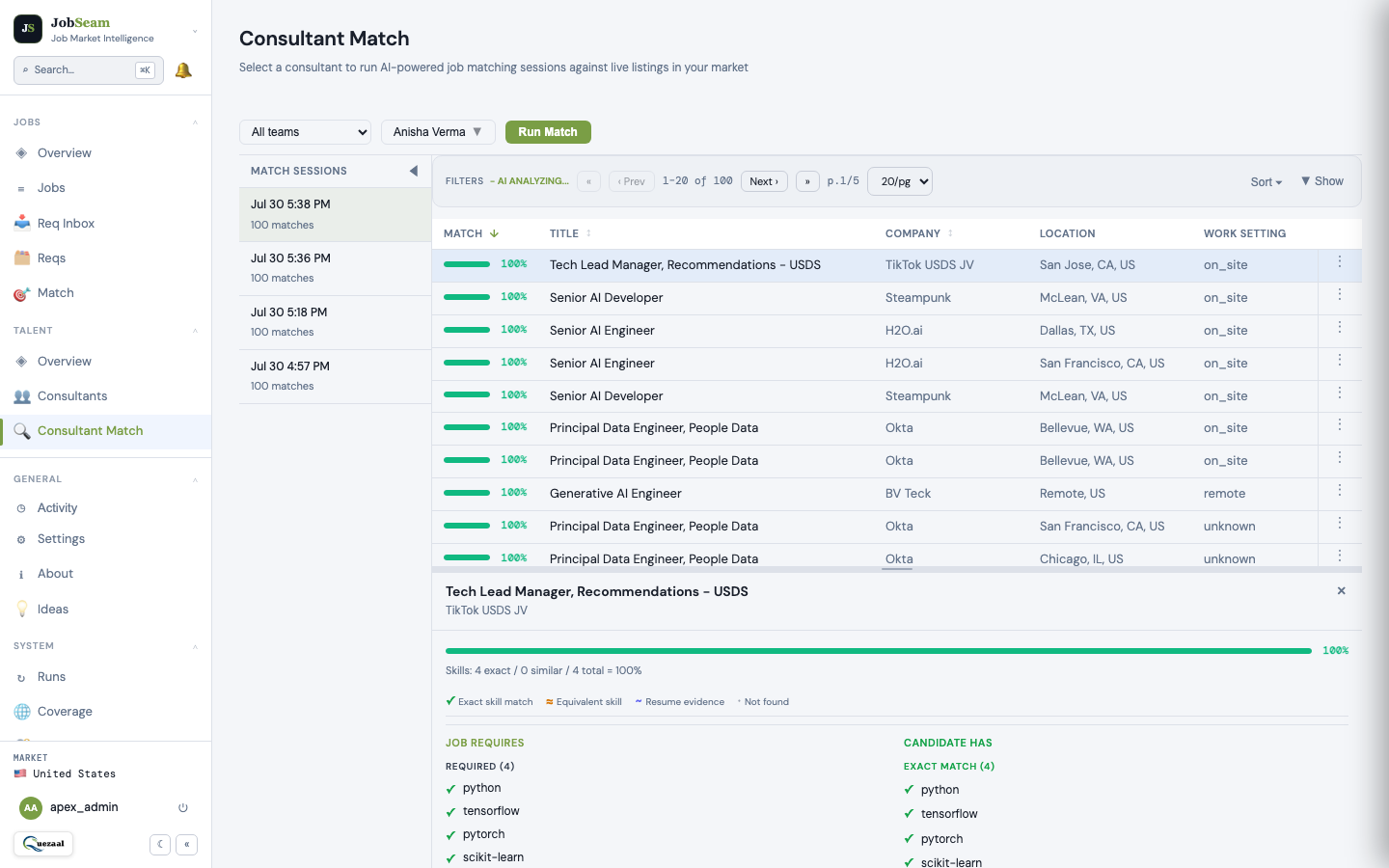
Ranked results help your team decide which consultants to review first. Open a match to compare exact skills, related skills, and gaps before moving to RTR.
A match score indicates skill alignment with a requirement. It is not a placement probability or a guarantee of suitability.
Explore matching and review features →4 example consultants
Illustrative names, scores, and statuses. This is a sample of the matching workflow, not live customer data.
Upload consultant resumes and review the parsed skills, experience, and profile details. Your team can correct the profile before using it for matching.
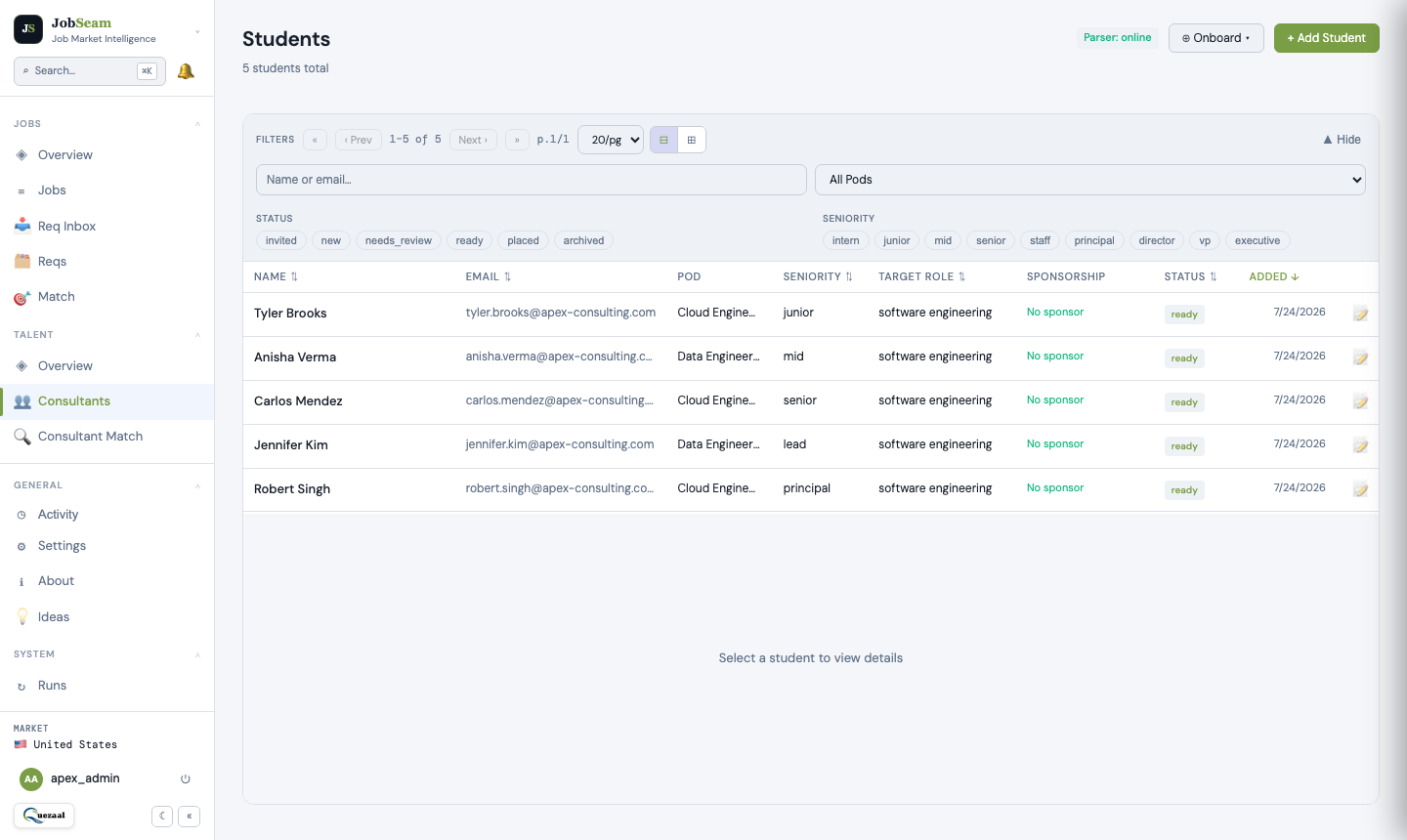
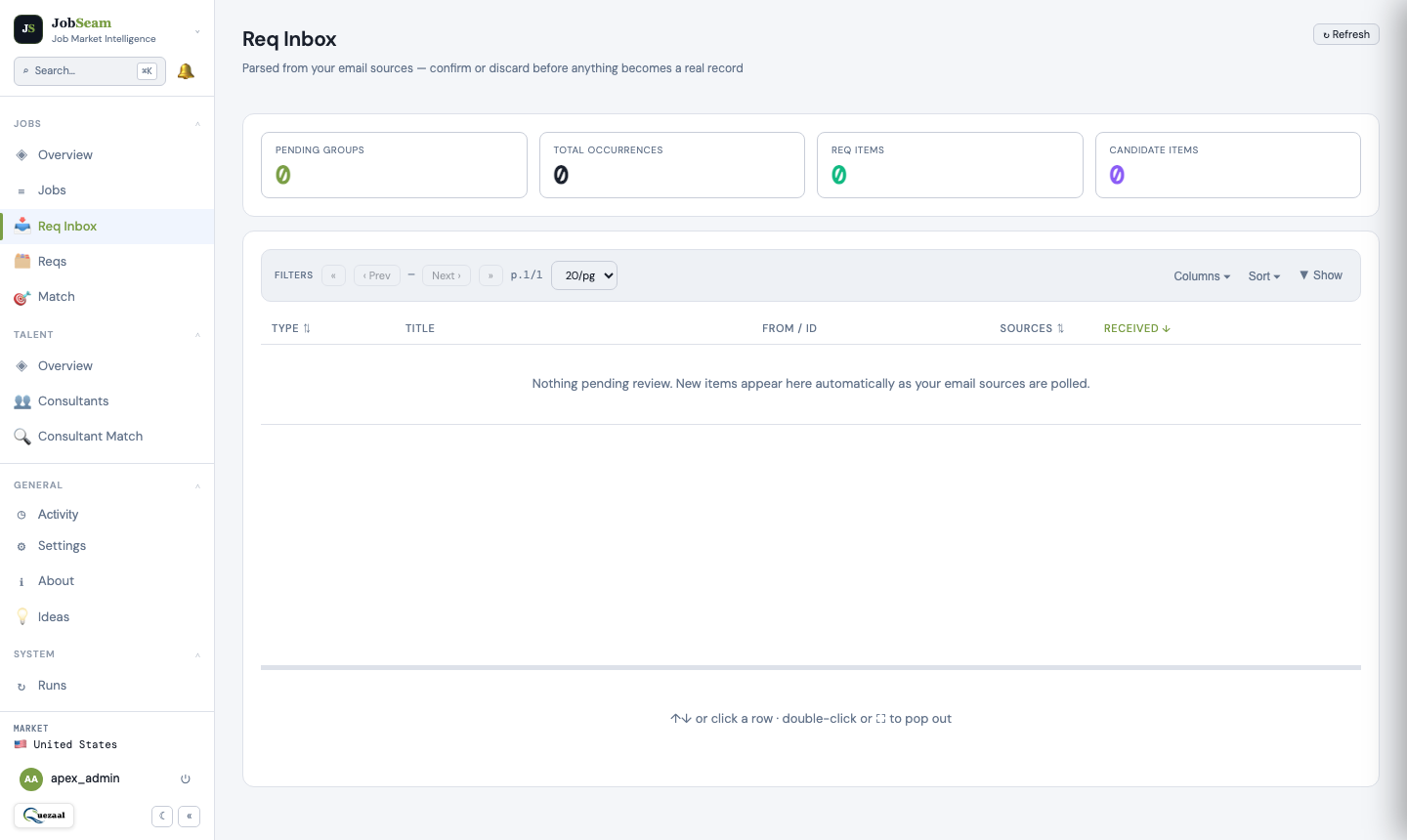
Connect a requirement mailbox so incoming vendor emails become structured requirements. Explore opportunities from supported job sources and markets alongside them.
Start with a requirement to find suitable consultants, or start with a consultant to find relevant requirements. Both workflows help your team narrow the search.
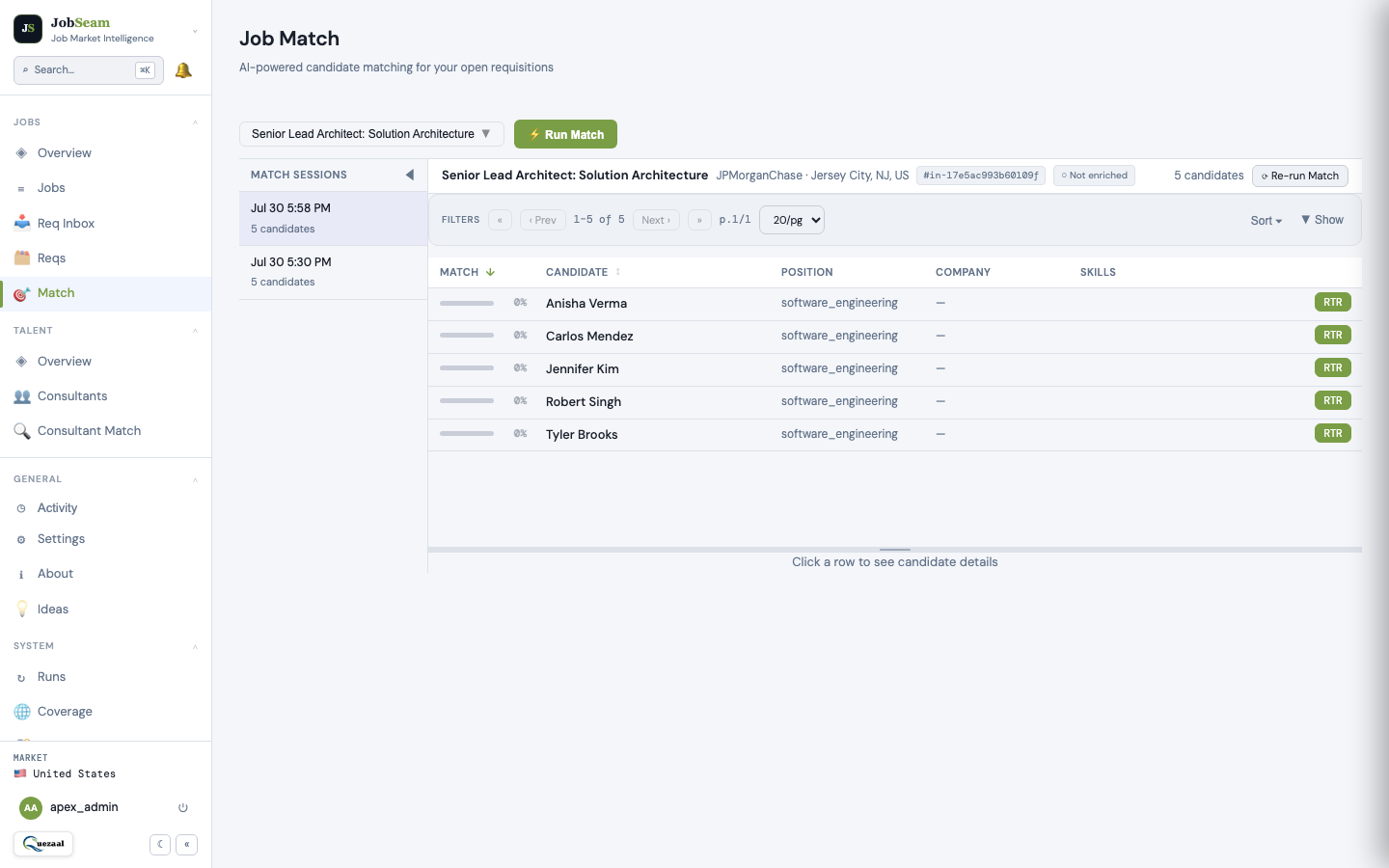
Open ranked matches, compare exact and related skills, and review gaps. A score supports your judgment; your rep decides whether the opportunity is a fit.
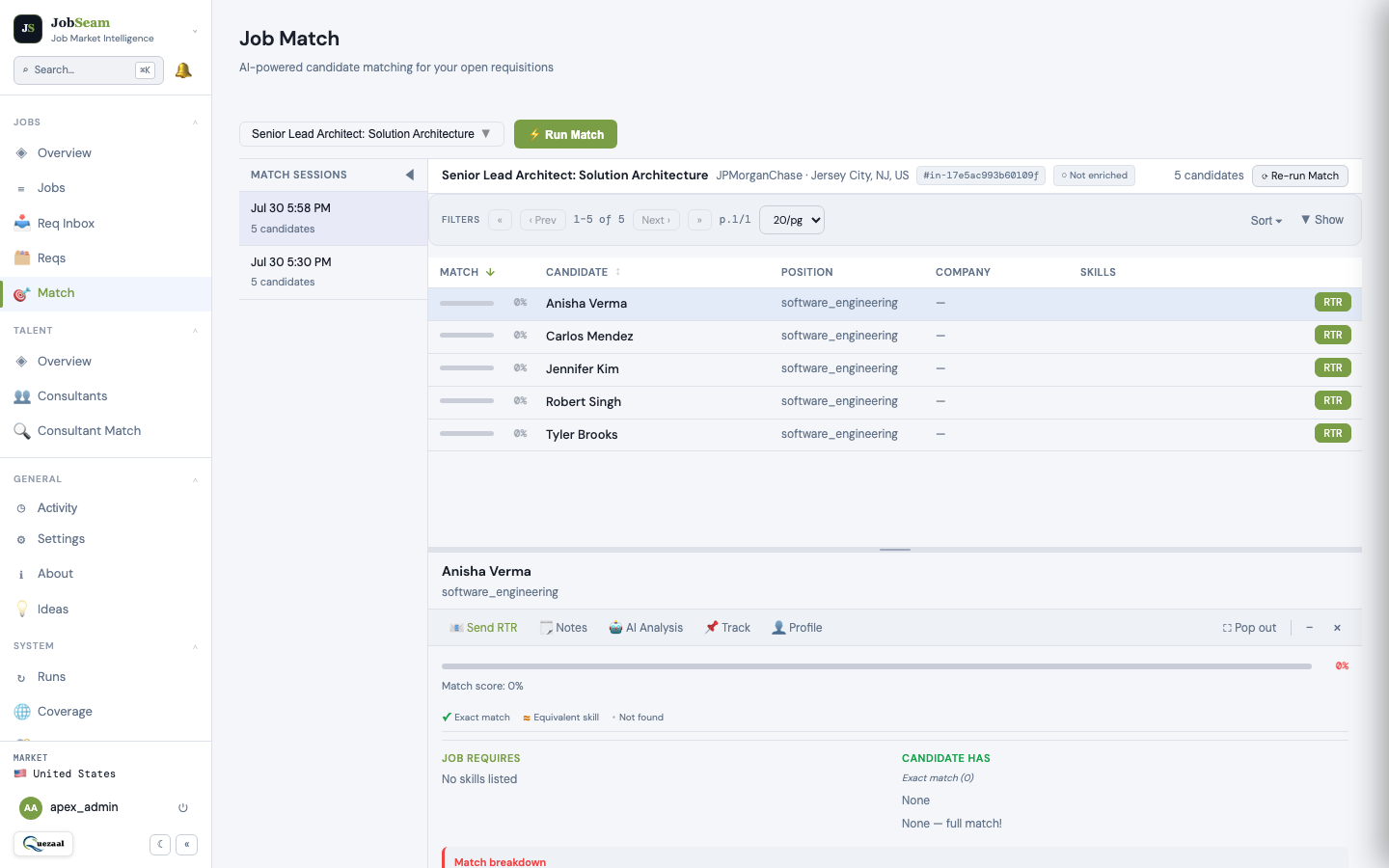
Use the Right-to-Represent workflow and activity history to keep track of actions. Keep your team informed as a requirement moves toward a submission.
Watch the product walkthrough, then bring one anonymized consultant resume to a personalized session with our team.
Watch the walkthrough on YouTube ↗
Have questions about matching, setup, or RTR? Read the FAQs →
Explore market demand, talent matching, and the workflow that fits your goals. Bring an anonymized resume if you like, or we’ll use sample data.
Book a 20-minute demo ↗Organize evidence, draft documents, and review decisions in one workspace. Your team controls the facts and the release of public documents.
Move from LCA preparation and notice records through petition tracking, I-9/E-Verify, ongoing review, PAF documents, and candidate activity. Unsaved entries stay in place when you switch stages.
Keep multiple LCA records per consultant. Capture worksite addresses, notice methods, posting dates and locations, evidence, certification dates, and employee delivery/receipt records. Calendar-day counts and date checks flag items for human review.
Prepare posting acknowledgments, employee LCA receipts, pay-rate statements, actual-wage summaries, and benefits summaries as unsigned DOCX drafts. Your team supplies the facts, reviews the draft, and obtains signatures where needed.
Company administrators can explicitly publish reviewed PDFs to an employer-specific Public Access File page that visitors can open without an account. Withdraw access when needed. Candidate profiles, private notes, payroll records, and petitions stay outside the public page.
Open PAF checklists, access and retention guidance, workflow instructions, and official DOL/eCFR links from the System menu. Flag discrepancies through Ideas or contact support with the source details.
Move and resize application dialogs, maximize for detailed review, or restore/reset the window. Close controls honor supported unsaved-change checks so a layout change does not discard your entries.
Generated drafts are unsigned and private. Public release requires a separate administrator review of a PDF. JobSeam does not file LCAs or H-1B petitions, certify compliance, or replace legal review and required inspection arrangements. Modules are enabled for your team during onboarding.
Read the compliance FAQ →